It's your turn
Here is a small thing that happened to our own board once agents started doing most of the work.
A feature used to sit in In Progress for a day or two while someone wrote it. Now it sits in In Progress while a writer agent codes it, moves to In Review while a reviewer agent reads the PR, comes back to the writer for a fix, goes to In Review again, and then, finally, waits for one of us to actually look at the PR. Later it waits for an agent to deploy to staging, then for one of us to click around on staging, then for an agent to deploy to production.
Every one of those is a status. The board shows all of them. And none of the columns answers the question we open the board with: is anything waiting on me?
Columns are a timeline. Agents don’t move in a line.
Issue trackers were built for people handing work to people. Status columns read left to right as a timeline, and for a human team that works: an issue mostly moves rightward, and “In Progress” means a colleague has it.
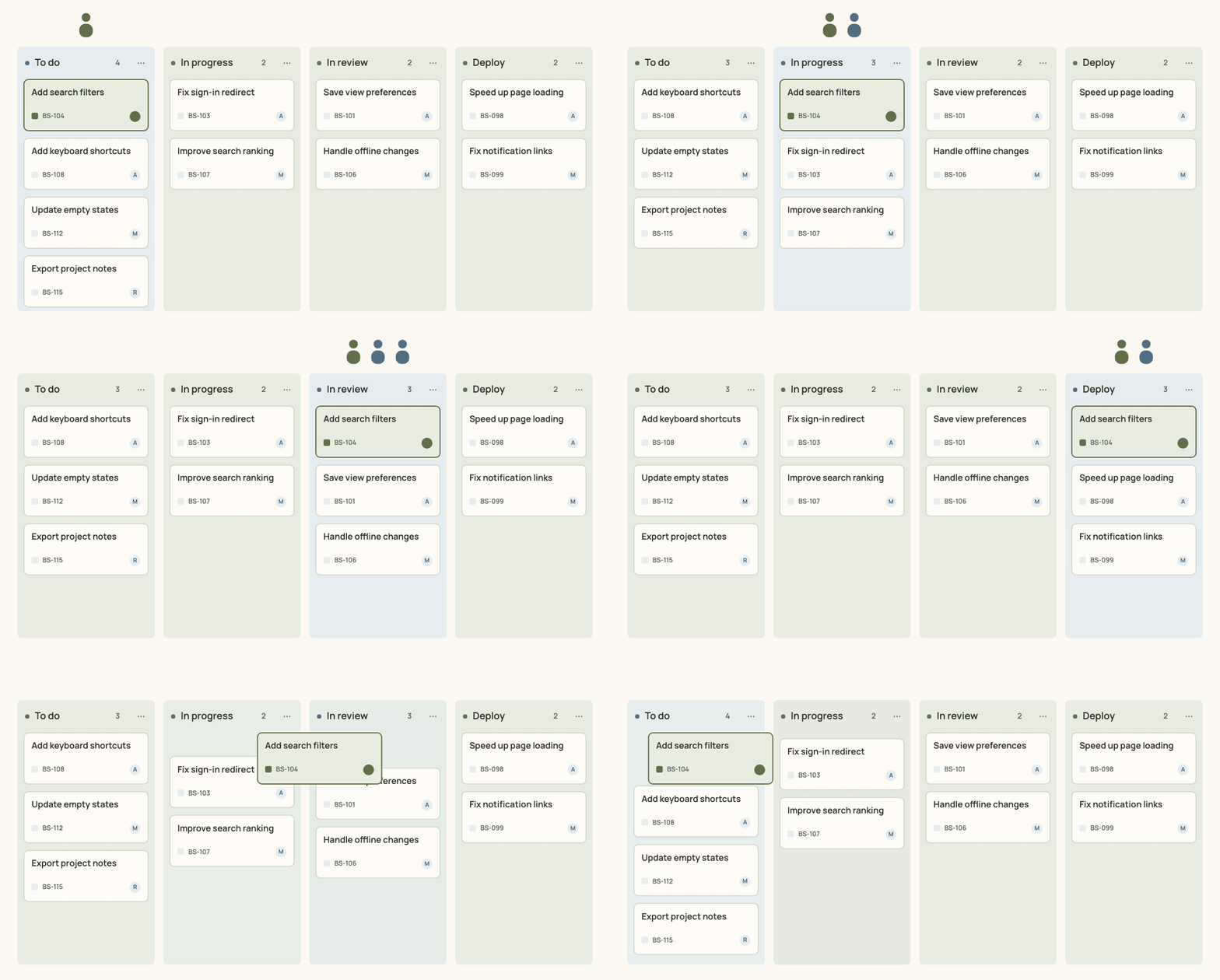
With agents the same issue bounces. Agent, agent, you, agent, you, agent, done. The step changes every hour and the timeline position tells you very little about whether you can go to lunch. Reading the board becomes a scan: which of these nine statuses are the ones that mean me?
Linear for Agents and GitHub’s Copilot coding agent make the agent visible as an assignee or a PR author, which helps. Jira lets you draw any workflow you want, which also helps. But in all of them the thing you are looking for is still something you infer from a status name.
A second axis
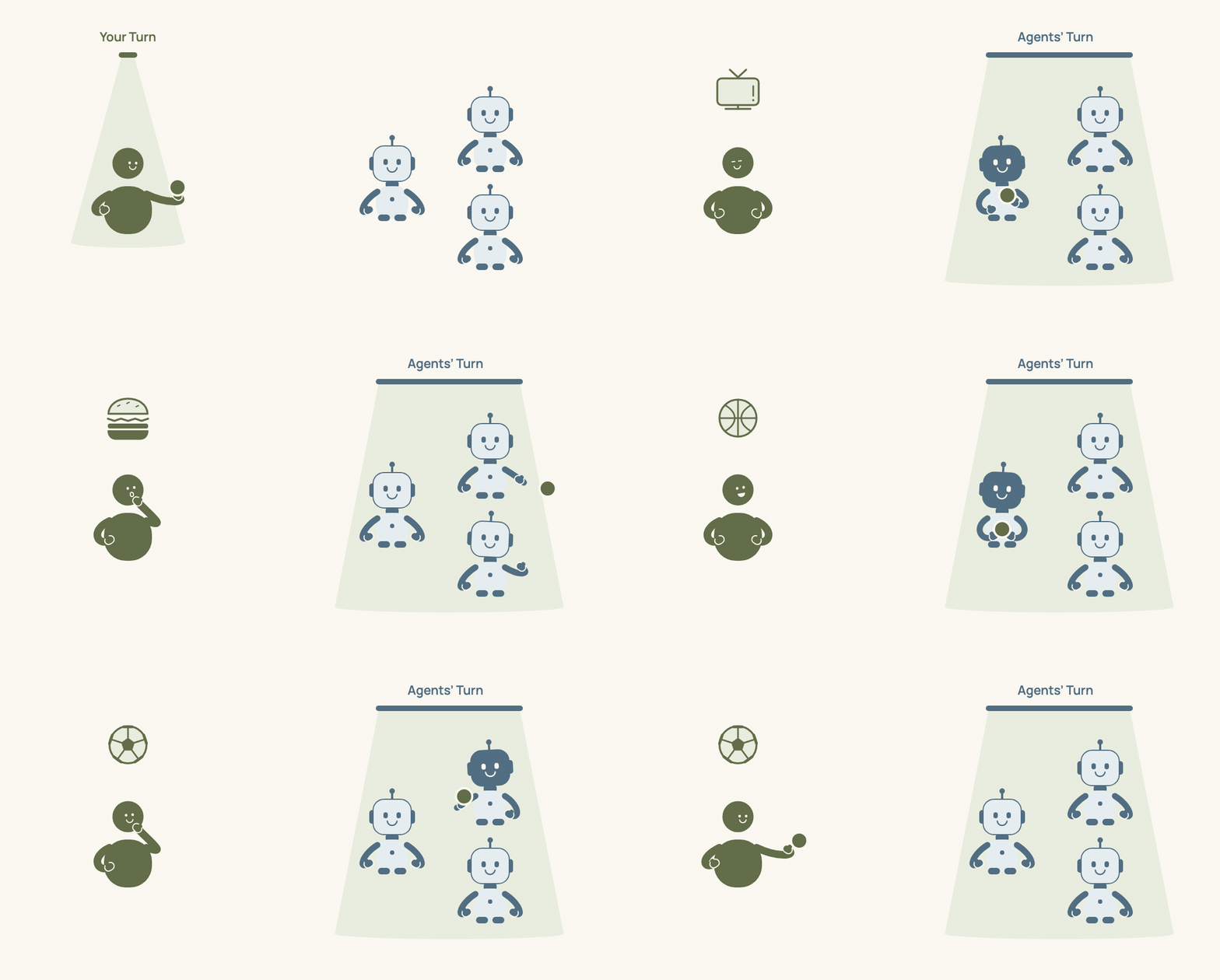
Bonsai’s board now has a built-in axis called Turn. Every issue, at every moment, is in exactly one of four:
| Turn | Meaning |
|---|---|
| Todo | nobody is moving it yet |
| Agent’s turn | an agent is on it, or is about to be dispatched |
| Your turn | it is waiting on a person |
| Closed | nobody needs to look again |
The board groups by Turn, and Your turn is the leftmost column. Open a project and the first thing on screen is your inbox. Next to it is what the agents are doing right now. If the left column is empty, you are free.
Statuses did not go away. They are still yours to define, as many as you like, with whatever names you like. Each one simply belongs to a turn. Our built-in Feature type reads like this:
| Turn | Statuses |
|---|---|
| Todo | Backlog, Blocked, Ready |
| Agent’s turn | Developing, Reviewing, Revising, Deploying to Staging, Deploying to Production |
| Your turn | Review PR, Verify Staging, Needs Decision |
| Closed | Done, Canceled, Duplicate |
Follow a feature through it and the turn flips six times: Developing, Reviewing, Review PR, Deploying to Staging, Verify Staging, Deploying to Production, Done. The bouncing is not a problem to hide. It is the real shape of the work, and the board finally shows it.
Why we fixed the four
You can rename every status. You cannot rename the four turns, and you cannot add a fifth.
That is deliberate. The four words are what everything else agrees on. The dispatcher knows that a status in Agent’s turn has a role to send. A role note can say “when you are done, hand it back to the person” and that means one thing: move to a status in Your turn. The board knows which column is the inbox. If the axis were editable, every project would reinvent it slightly differently and none of that would hold.
Statuses carry the process. Turn carries the attention. Keeping those two apart is the whole idea.
What it feels like
Mostly, quieter. The board stops being a list of states to decode and becomes two questions with two columns: what do they need from me, and what are they doing. Everything else can wait on the right.
Turn is rolling out to Bonsai’s issue board now, alongside the automation engine that moves issues from one agent to the next. If you are on the waitlist, you will see it when you get in.